
Interior Design CRM & Quotation Software
A practical guide to keeping client conversations, interior proposals and project billing connected—without losing the details that make each project different.
The short answer
Choose interior CRM and quotation software by following one project all the way through. Can you identify the client, explain the quoted scope, record the decision and understand the invoice balance? Those connections matter more than the length of a feature list.
Why client records and quotations belong together
An interior project rarely starts with a complete specification. It starts with a conversation: a family wants a more useful kitchen, an office needs a new layout, or a homeowner has a budget but no agreed scope. Before you can price the work, you need to understand the client, the property and the decisions still to be made.
When that context sits in one spreadsheet and the quotation sits somewhere else, small changes become difficult to explain. A revised finish may change the rate. A site measurement may change the quantity. A client may accept the kitchen while asking you to postpone the wardrobes. The useful question is not simply whether you have a CRM. It is whether the next person can understand which client, scope and proposal they are looking at.
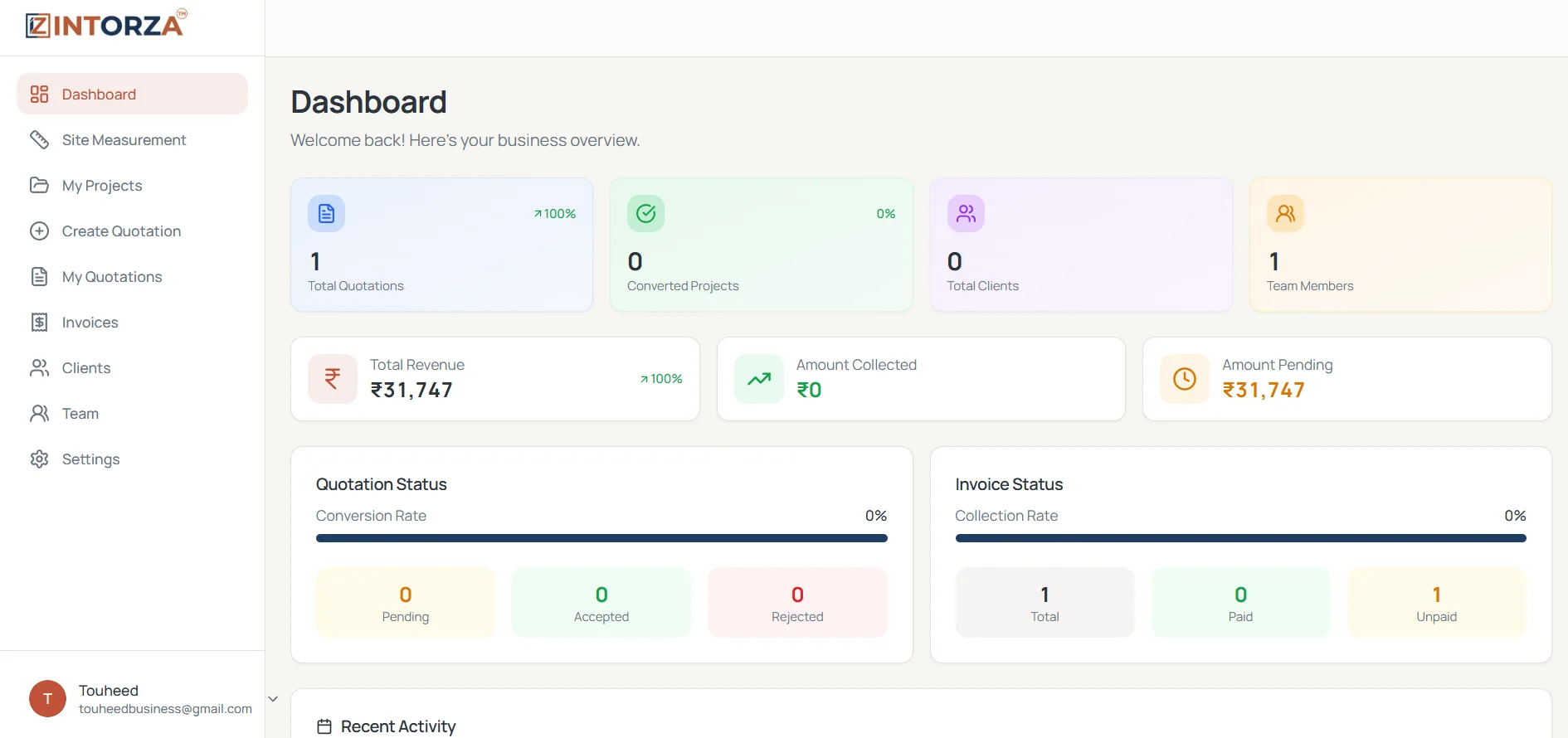
For an interior design studio or turnkey contractor, connected CRM and quotation software should make that relationship easier to follow. Start with a recognizable client record, prepare a reviewable proposal, record the decision and keep the accepted work connected to the project and its billing. Intorza brings those records into a shared business workspace.
Start with a usable client brief, not just a contact name
A name and phone number identify a person, but they do not explain a project. Before preparing the proposal, agree on the property location, project type, rooms included, approximate budget and the person who will confirm the scope. Record unresolved decisions separately so an assumption does not quietly become a commitment.
Be specific about what the client has asked for. ‘Kitchen interiors’ could mean base units only, a full modular kitchen or cabinetry plus electrical changes and civil work. Ask which parts you are pricing and which parts will be handled by someone else. A short, clear brief is more useful than a long collection of messages that nobody has reviewed.
Intorza’s client view brings client records together with project counts and recorded billing totals. That gives a useful starting point before a discussion. Your team still needs a consistent process for confirming requirements and reviewing the underlying project records.
Build a quotation the client can actually review
A strong interior quotation explains the work as well as the price. Give each item a recognizable description, an appropriate unit, a measured quantity and an agreed rate. Include the material or finish specification wherever it affects what will be supplied. Separate assumptions and exclusions from the work that is included.
Consider a wardrobe quotation. A single line saying ‘wardrobe work’ leaves room for different expectations about shutters, internal fittings and finish. A clearer description names the intended work and explains the quantity basis. If your rate is per square foot, make sure the dimensions and measurement method support that quantity. The unit and the rate must describe the same thing.
Before sharing a PDF, review the client details, scope, arithmetic, applicable taxes, payment terms and validity period. Intorza’s quotation builder supports an itemized proposal and PDF workflow. The software helps organize the document; your team remains responsible for checking the specifications and commercial terms before sending it.
A practical example: one project, three connected records
Imagine a studio preparing a kitchen and wardrobe proposal for an apartment. The client record identifies the homeowner. The project context identifies the apartment and agreed rooms. The quotation explains the cabinetry scope, quantities, rates and terms. These records answer different questions, so each needs enough detail to stand on its own while remaining easy to connect.
The client later asks to remove a wardrobe and change the kitchen finish. Review the affected items, confirm what remains included and prepare the revised document. Before recording acceptance, check which proposal the client approved and retain the supporting agreement through your normal business process. A status label is useful, but it is not a substitute for an unambiguous agreement.
When the work becomes a project, the delivery team should be able to identify the accepted scope. When billing begins, the invoice should be recognizable against that work. This is where connected records become valuable: the team can review the proposal, project and balance without reconstructing the conversation from the beginning.
Turn an accepted quotation into a clearer project handover
Acceptance is a handover point. Before work begins, confirm the agreed scope, exclusions, relevant site details and who is responsible for the next action. Check whether the client has approved all proposed items or only a defined part of the work. Resolve that distinction before the delivery team starts making arrangements.
Intorza’s converted project view brings together project information with quotation, invoice and measurement sections. Recorded project totals help the team review the commercial context. Use the project as a reference point when checking the accepted work and preparing the next billing conversation.
A connected project record does not replace a delivery plan. Decide how your team will track site actions, design decisions and changes. When assessing software, ask to see any scheduling, procurement or inventory workflow you need in a live demonstration rather than assuming that every project management product includes the same capabilities.
Keep invoicing and recorded payments understandable
A quotation describes proposed work. An invoice records a billing request. A recorded payment helps explain what has been collected against that request. Treat these as connected but distinct records, especially when a project is billed in stages or the client pays only part of an invoice.
Intorza’s invoice workflow shows billing details, payment status and recorded paid and remaining amounts. Payment entries help maintain that record after your team checks the supporting evidence. Before following up with a client, open the relevant invoice and review the balance rather than relying on an older message or screenshot.
Keep accounting and tax review within your normal professional process. The purpose of this workflow is to make the billing record easier to understand. If your business needs bank reconciliation, payment collection or an accounting integration, confirm the specific requirement with the Intorza team before choosing a plan.
Use AI to begin a draft, then review the details
AI can be a useful starting point when you are turning project information into an initial quotation draft. Intorza’s AI quotation workflow offers routes based on a floor plan or project details. The important step comes after generation: review the draft against the actual site conditions, client brief and your pricing.
Check dimensions, quantities, specifications, rates and omitted work before sharing the proposal. A drawing may not capture every site condition, and a short project description may leave important decisions open. Treat the output as an editable starting point that your team must verify, rather than a final commitment to the client.
How to evaluate CRM and quotation software for your studio
Take one representative project into a demonstration. Ask to create the client record, prepare a quotation, revise an item, record the client’s decision, review the project and add an invoice payment. Seeing the whole sequence is more useful than comparing a long list of feature names.
Ask which capabilities are included in the plan you are considering. Check the PDF output, the information available to team members and how you will move your existing records into the system. If you require lead capture, WhatsApp automation, purchase orders, inventory or specialist reporting, ask about each requirement explicitly. Choose based on the workflow you can verify.
Start adoption with a small number of active projects and a clear owner for each record. Agree on naming conventions, quotation review and payment-entry checks. Once that process is comfortable, expand it to the rest of the studio. A consistent way of working is what makes the software useful to the next person who opens a record.
Your first-project checklist
- Confirm the client, property, included rooms and open decisions.
- Check measurements, item descriptions, units, quantities and rates.
- Review exclusions, applicable taxes, payment terms and validity.
- Confirm the accepted scope before recording the quotation decision.
- Make the project handover understandable to the next team member.
- Check supporting evidence before updating a payment record.
If several people handle the project, agree on who maintains each record. Explore team management for interior designers or return to the business dashboard guide for the wider overview.